Blog
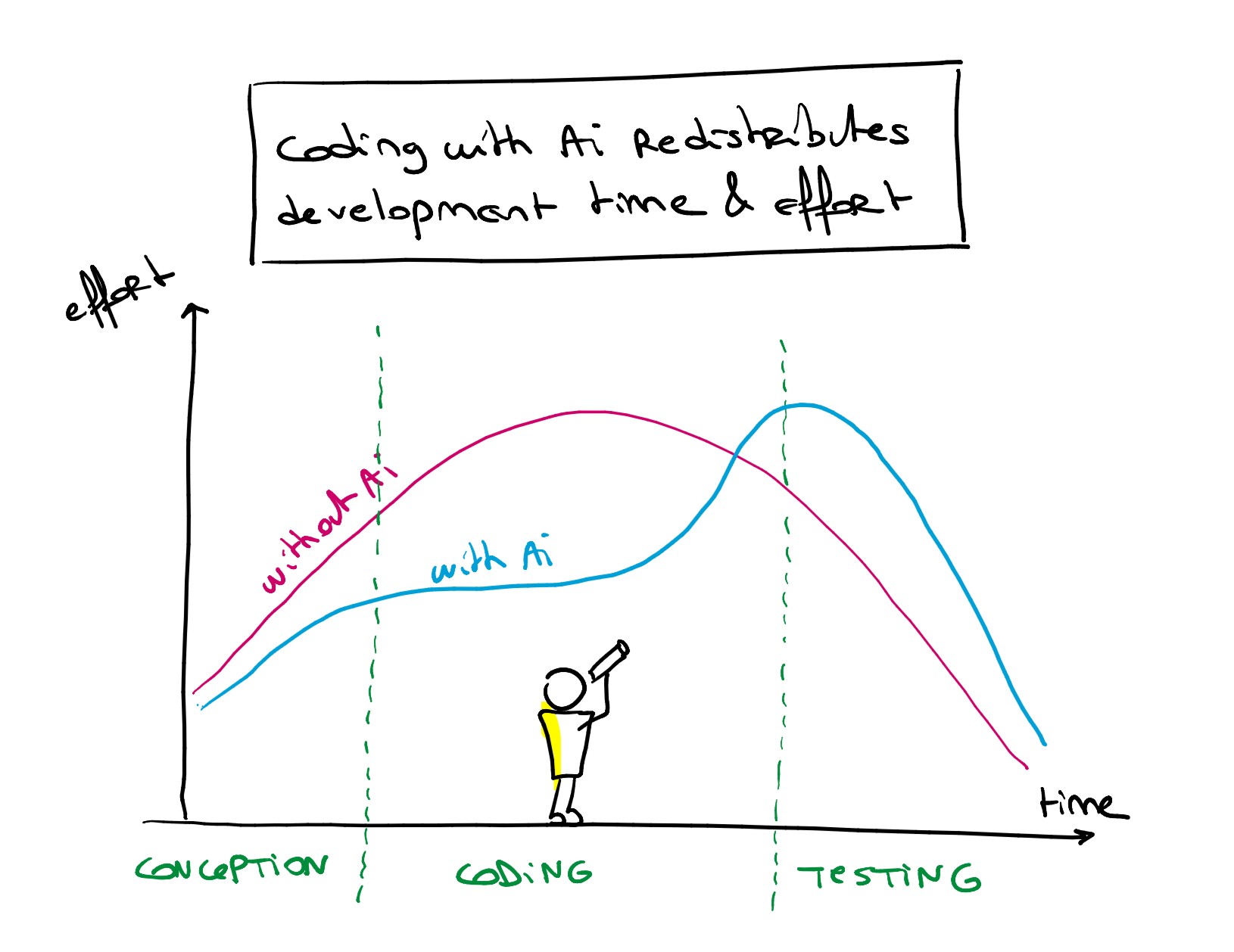
Coding with AI doesn’t accelerate development: it redistributes time and effort
To vibe-code or not vibe-code?
That is THE question every dev is talking about right now, and new buzzwords (vibe-code, IA generated code, low-code, no-code) are fighting for attention on all our channels.
Apart from the usual debates, coding with AI got me thinking about time. It’s a shift in how we app-makers divide our time.
3 apps with 3 different philosophies around personal safety
Last week, while scrolling through tech news, I came across something that made me pause: a Chinese app called Demumu (literally « Are You Dead? ») had just become the #1 paid app in China and was climbing charts in the US. The concept? Users tap a button daily to confirm they’re alive. Miss two days in a row, and an emergency contact gets notified.
As someone who built Tribe Check, a safety check-in app, this news hit close to home. But it also made me realize something important: there isn’t just one way to approach personal safety. Different apps use fundamentally different philosophies to keep people safe. And understanding these differences matters, because the right safety app depends entirely on your specific needs and situation.
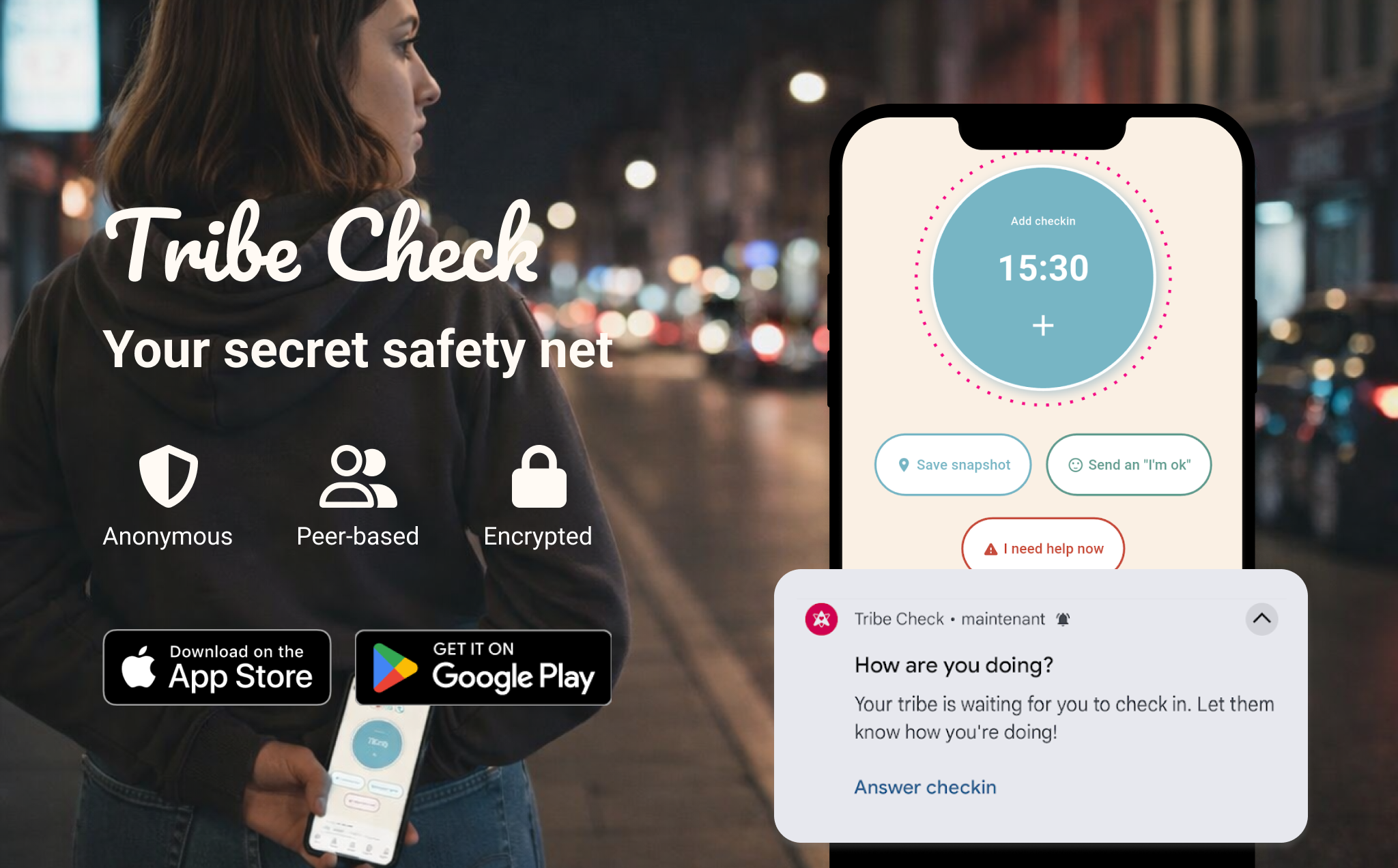
Demumu vs Tribe Check: Two Different Approaches to Solo Living Safety
Early January 2026, a Chinese app called « 死了么 » (literally « Are You Dead? ») shot to #1 on the App Store. The premise was simple: check in every 48 hours, or your emergency contact gets an email. The app, now rebranded as « Demumu, » went viral with millions of downloads.
Here’s what’s interesting: I built Tribe Check six months earlier, targeting the exact same problem. Same fear. Same market. Completely different approach.
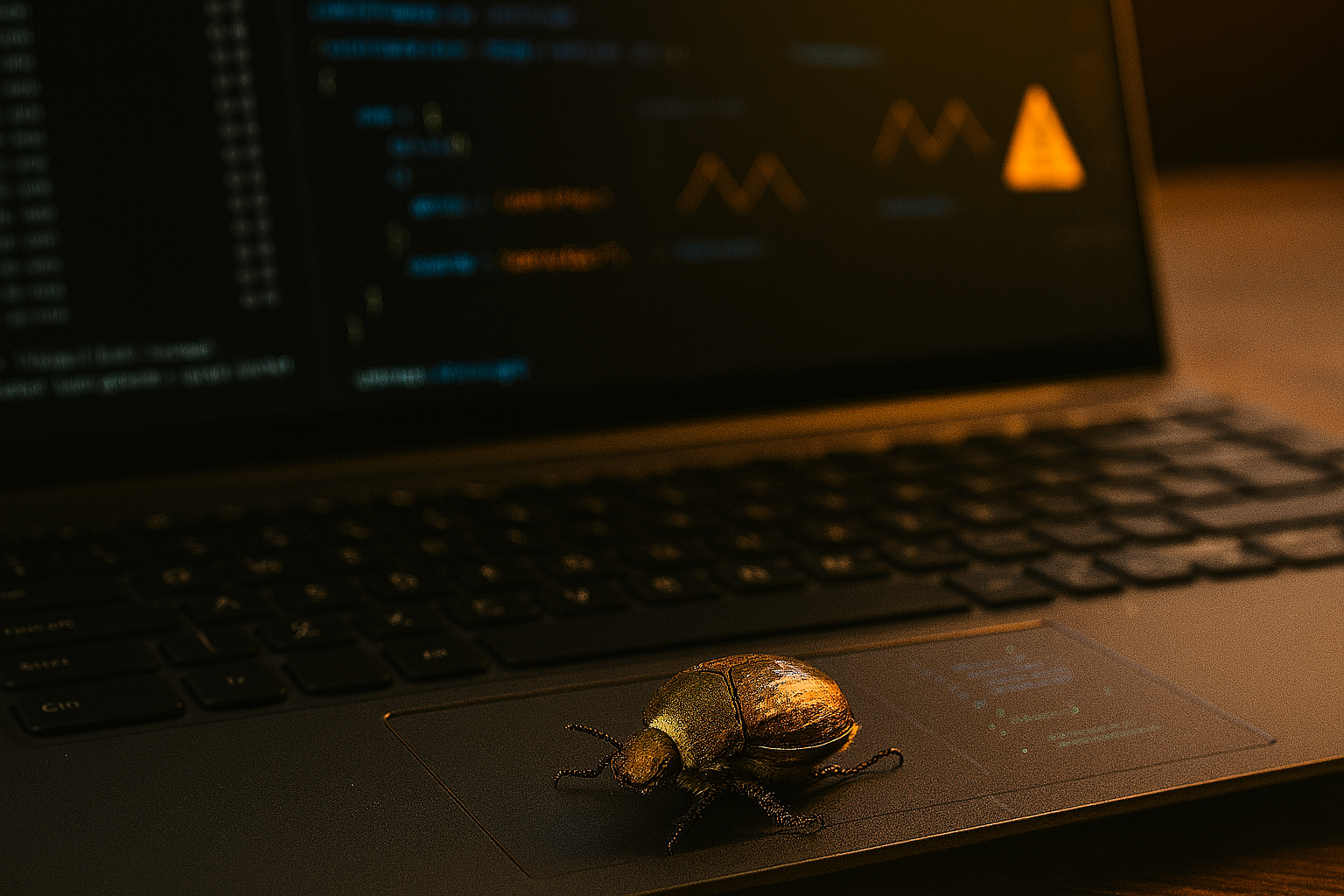
Fix It or Ditch It? The Classic Developer Dilemma
Recently working on my new mobile app Loopzzz, I encountered a small problem: my previous and next buttons which allowed to change audio tracks from the notification (and were working perfectly fine last time I tested them) were not functional any longer. Clicking on them had no effect whatsoever. After the first moments of doubt and denial, I was forced to admit there was a bug I needed to correct.
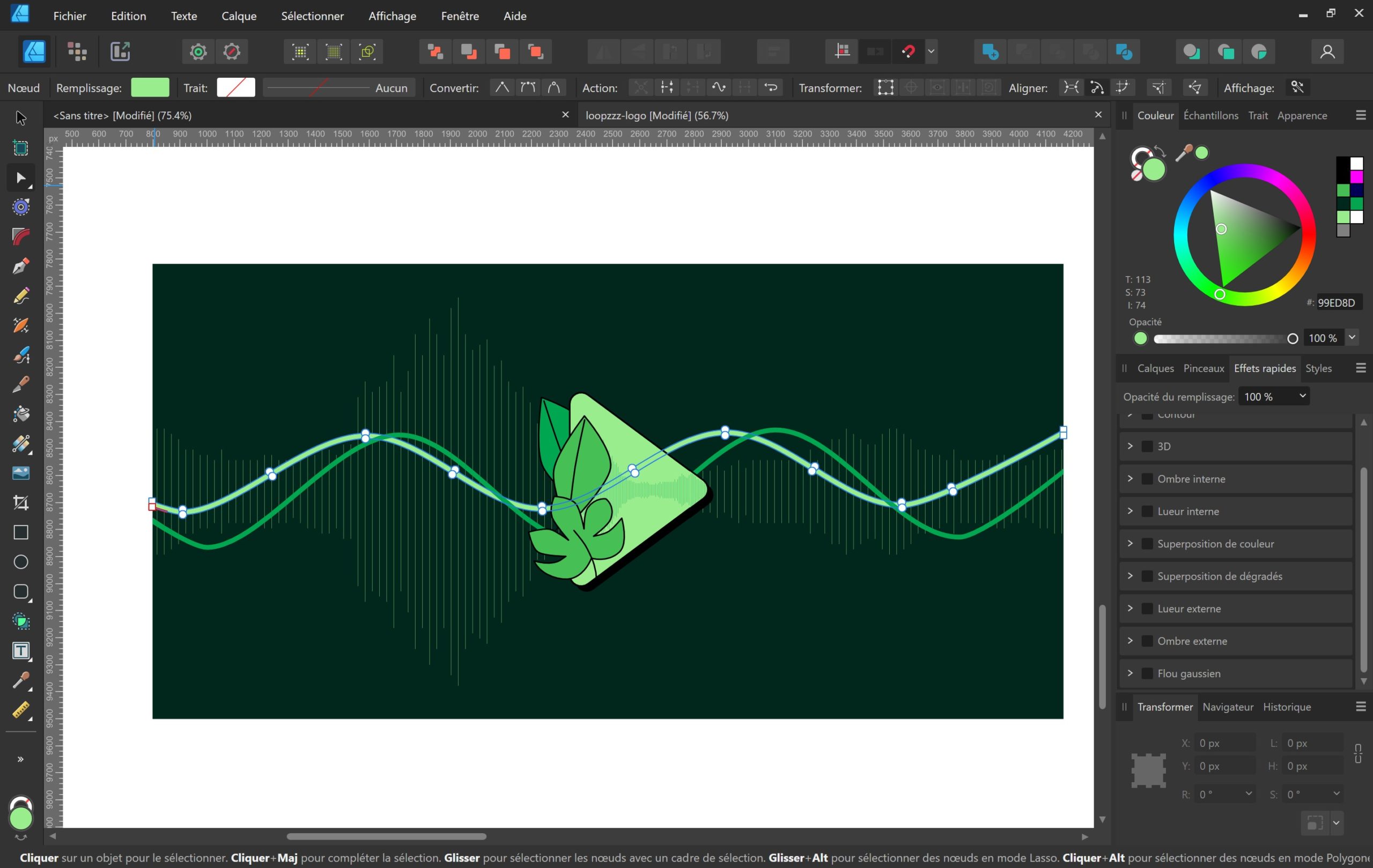
Design for app-makers, part 1: App name & logo
Many of the app-makers and developer I work with are engineers, and they tend to focus on the technological side of their product. Architecture, database, features, APIs, etc. In the end they are happy and proud to see their product working, but a bit ashamed of how it looks. As a UX/UI Designer with 20+ year experience and an app-maker myself, here is my ultimate checklist and a bit of advice to build an app that works AND looks cool.
In this article, we will start with the basics: finding the right name and designing the app logo. It can be done after the backend, but you want to have a pretty good idea of these early on in the process, to avoid too much interface refactoring.
My challenges as an independent app-maker
A couple of years ago I started to learn to code with Flutter and dart in order to code my own mobile application, Tribe Check. In addition to learning the technology, and before my product was available to all on the stores, I encountered many challenges, technical, of course, but also administrative. Here is an overview of my main challenges as an independent app-maker, starting as a digital designer!